
لتشغيل مضيف رقمي في حفل إطلاق مشروع أو معرض: حدّدوا هدفاً واحداً، وحمّلوا إجابات معتمدة بالعربية والإنجليزية، وضعوا الكشك عند مدخل الزوار، وخطّطوا للطاقة والاتصال، واعرضوا إشعاراً واضحاً بشأن البيانات، ودرّبوا الفريق على التحويل، وأرسلوا البيانات إلى نظام إدارة العملاء في اليوم نفسه.
Why use an AI host at an event?
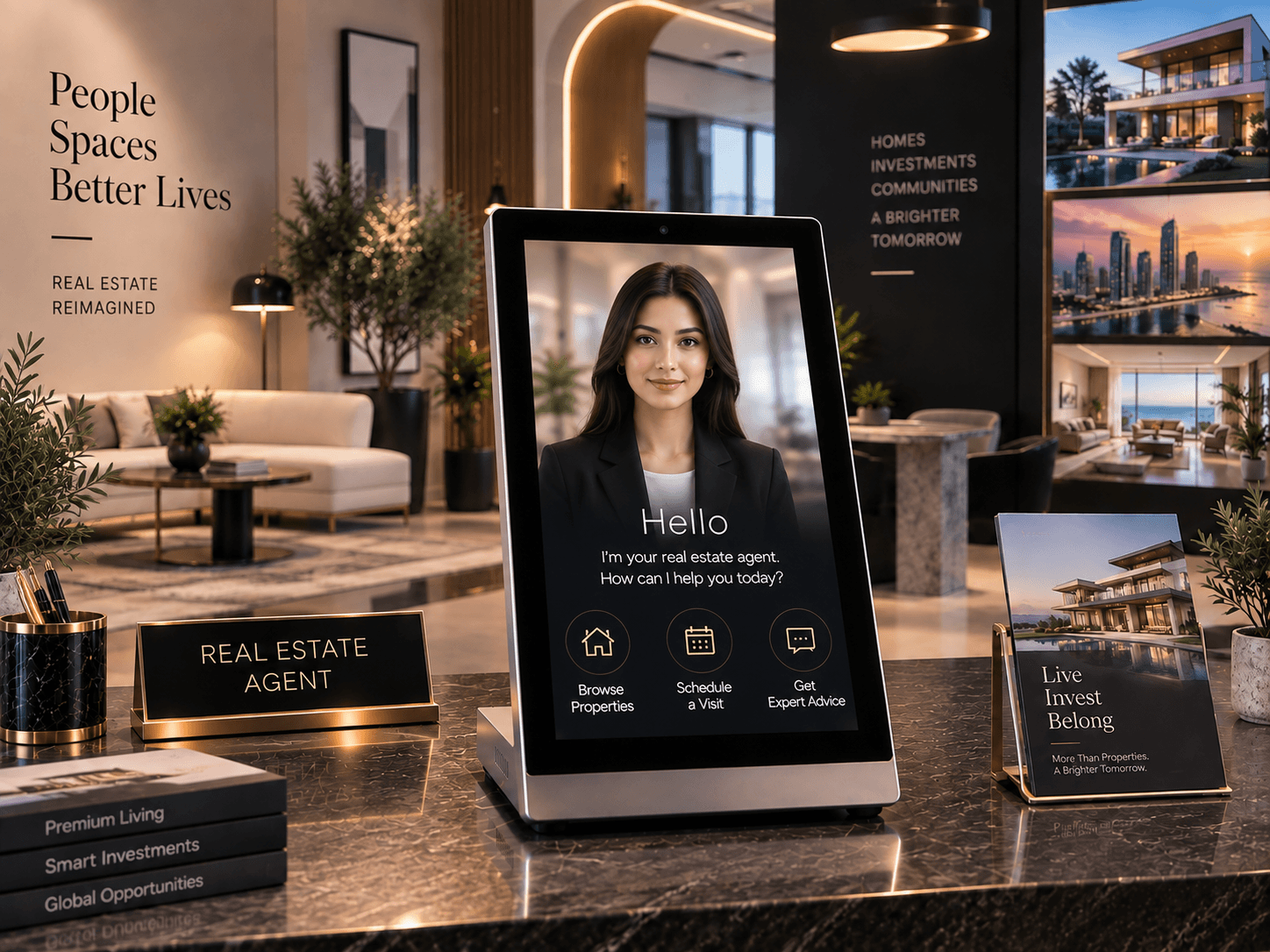
Launches and exhibitions concentrate visitors into a few intense hours. Your team cannot greet everyone, and the visitors you miss are often the ones who would have bought. An AI host, a digital human on a kiosk, welcomes every visitor, answers the common questions in Arabic and English, captures details and calls your team for serious conversations. It also draws attention to the stand.
Dubai hosts major technology and property events through the year, from GITEX Global to developer launches and roadshows. The steps below apply to all of them.
Step 1: Set one clear goal
Pick the main job for the AI host:
- Lead capture: collect name, phone, language and interest with consent.
- Information: explain the project, the stand or the agenda.
- Queue management: welcome and orient visitors while consultants are busy.
One goal keeps the conversation short and the results measurable.
Step 2: Prepare the content (two weeks before)
- Write the 20 to 30 questions visitors will ask most, with approved answers.
- Prepare both Arabic and English versions, and have native speakers review them.
- Decide what the AI host must never answer, such as unconfirmed prices, legal advice or availability, and what it should say instead.
- Agree the handover rule: when does it call a consultant, and how?
For property launches, keep project facts exactly as approved by marketing and compliance. Dubai property activity is regulated by the Dubai Land Department, so accuracy matters.
Step 3: Choose the right kiosk
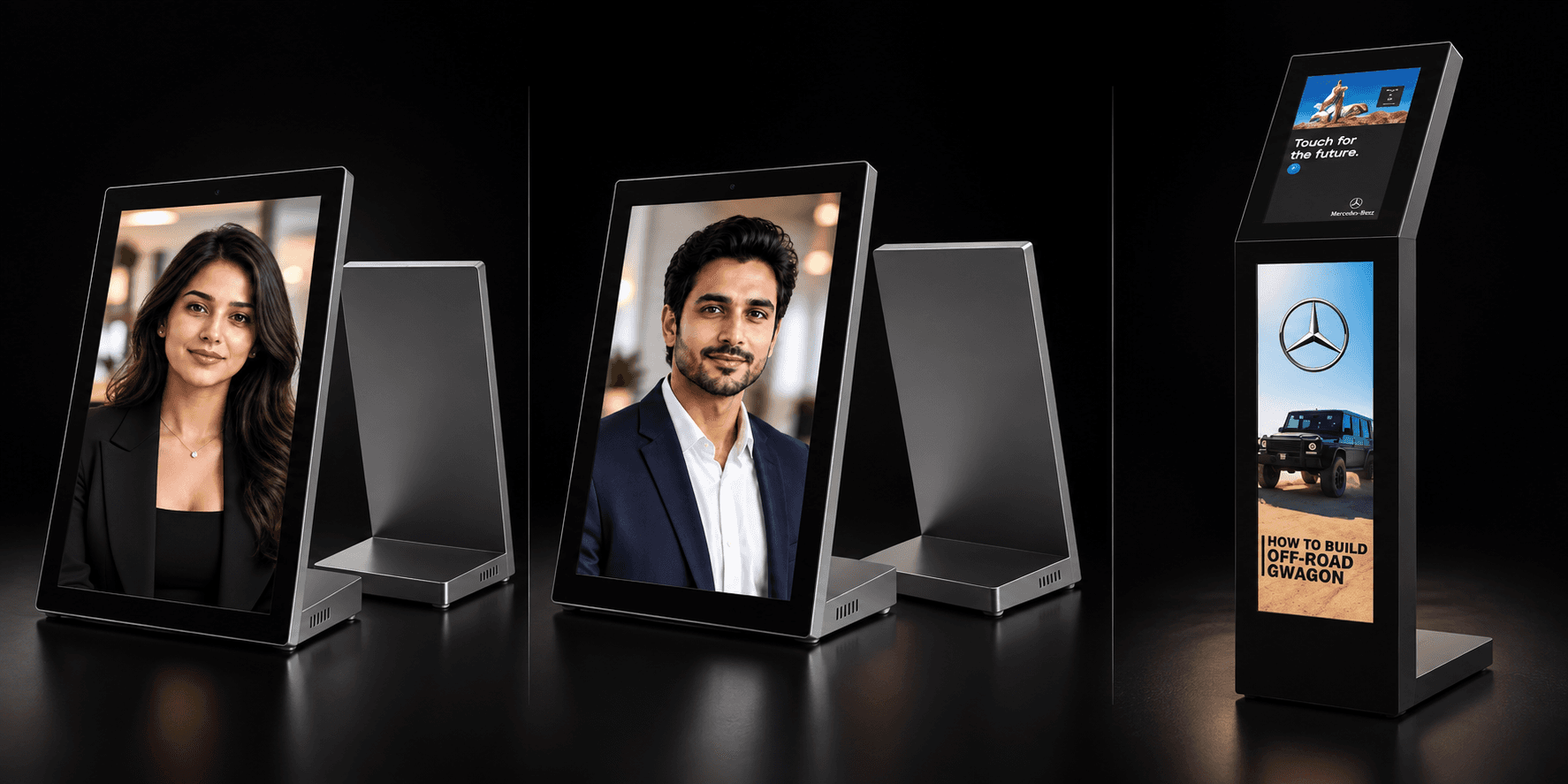
- Main entrance or stand front: the Floor-Standing AI Host, with a 29″ screen that is visible across a hall and a 15.6″ touch display for interaction.
- Counters and information points: the 15.6″ tabletop AI kiosk sets up on any counter with a power socket.
- Registration desk or lounge: the 13.3″ tabletop AI assistant.
Step 4: Plan placement, power and connectivity
- Place the kiosk where visitors arrive and pause, not in a corridor where they keep walking.
- Keep it out of direct sunlight and away from loudspeakers, which affect screen visibility and voice recognition.
- Confirm a power point with the venue for every kiosk position.
- Ask the venue about internet: event Wi-Fi is often overloaded. Arrange a dedicated connection or a mobile router, and know how the kiosk behaves if the connection drops.
Step 5: Consent and data
The kiosk may capture voices, images and contact details. Show a clear notice in Arabic and English on or beside the kiosk, ask for consent before collecting contact details and follow the UAE's personal data protection law. If you plan to film visitors interacting with the kiosk for social media, get the venue's permission and the consent of the people filmed. See sovereign AI in the UAE for hosting questions.
Step 6: Brief the team
- Who answers when the kiosk calls a consultant?
- Where do consultants see new leads during the event?
- Who restarts or charges the kiosk if needed?
- Who updates an answer if visitors keep asking something new?
Step 7: Rehearse on site
Set up the kiosk the day before or early on the day. Test it with team members in both languages, at the noise level of the event, and run through a handover.
Step 8: Follow up the same day
The value of event leads drops quickly. Send captured contacts to your CRM, tagged with the event, project and language, and have consultants follow up within a day. Review the questions visitors asked: they are free market research for your next campaign.
What to measure
- Conversations started.
- Most common questions.
- Leads captured with consent.
- Handovers to consultants.
- Meetings or viewings booked afterwards.
Use your own numbers to judge the deployment, not generic claims.
A simple timeline
- Two weeks before: goal, content, kiosk choice, venue logistics.
- One week before: language review, CRM connection, consent notice.
- Day before: set up, test, rehearse handovers.
- Event day: monitor, update answers if needed.
- Day after: follow up leads, review questions.
Summary
An AI host makes sure every visitor to your launch or stand is welcomed, informed and recorded, in Arabic and English, while your team focuses on buyers. Prepare the content and logistics two weeks ahead and follow up the same day. Read how developers use AI hosts in UAE sales centres, or request a quote for your next event.